Water Restrictions API Docs Image

Water Restrictions API Docs

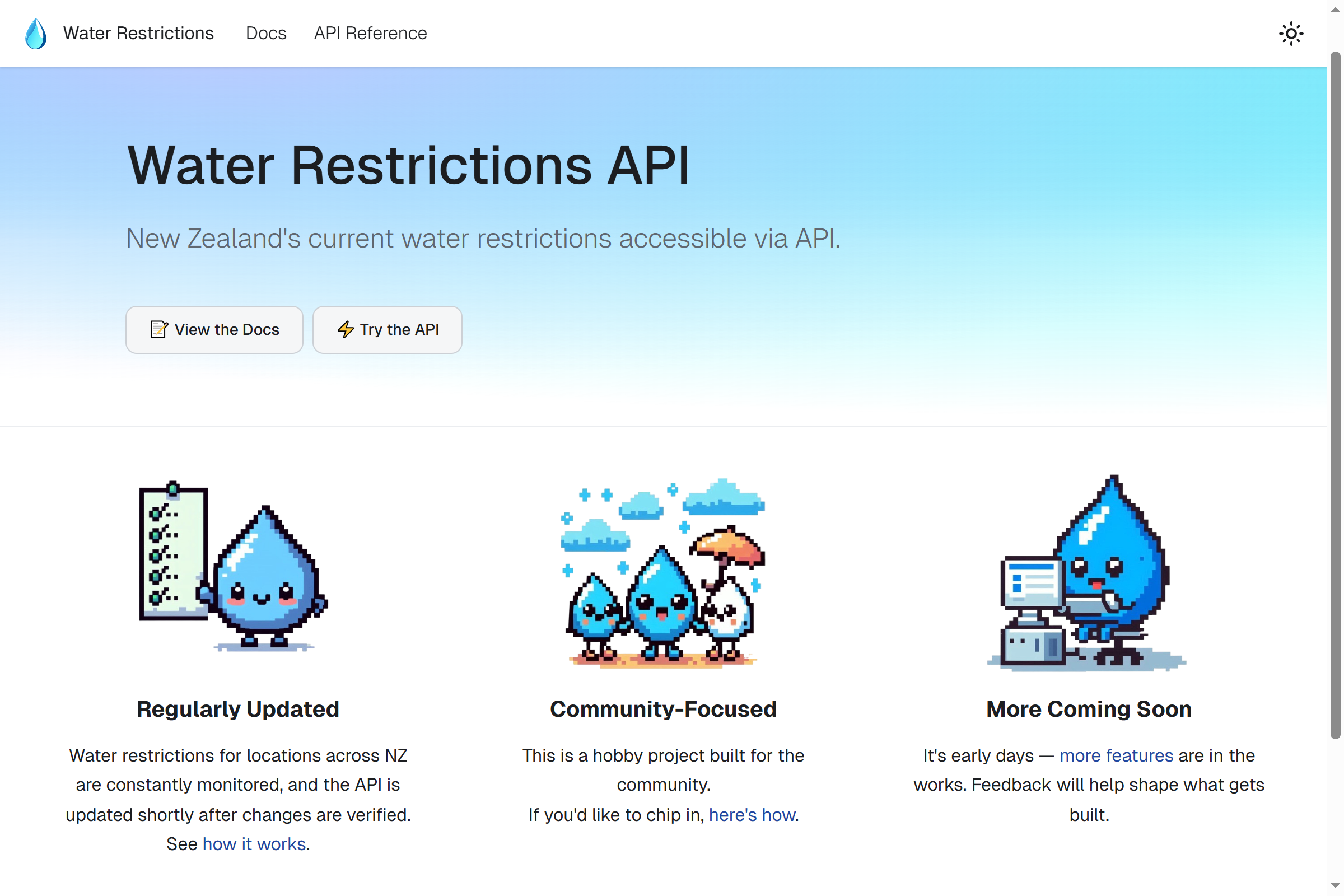
The original documentation website for the Water Restrictions API, featuring an integrated Scalar playground. This project has since been deprecated and evolved into the full Water Restrictions Website. Built with Docusaurus.

With the Water Restrictions API up and running, I wanted an easy way for developers to explore its endpoints and concepts. I’ve used Docusaurus in the past for documentation and decided to use it again for this project.

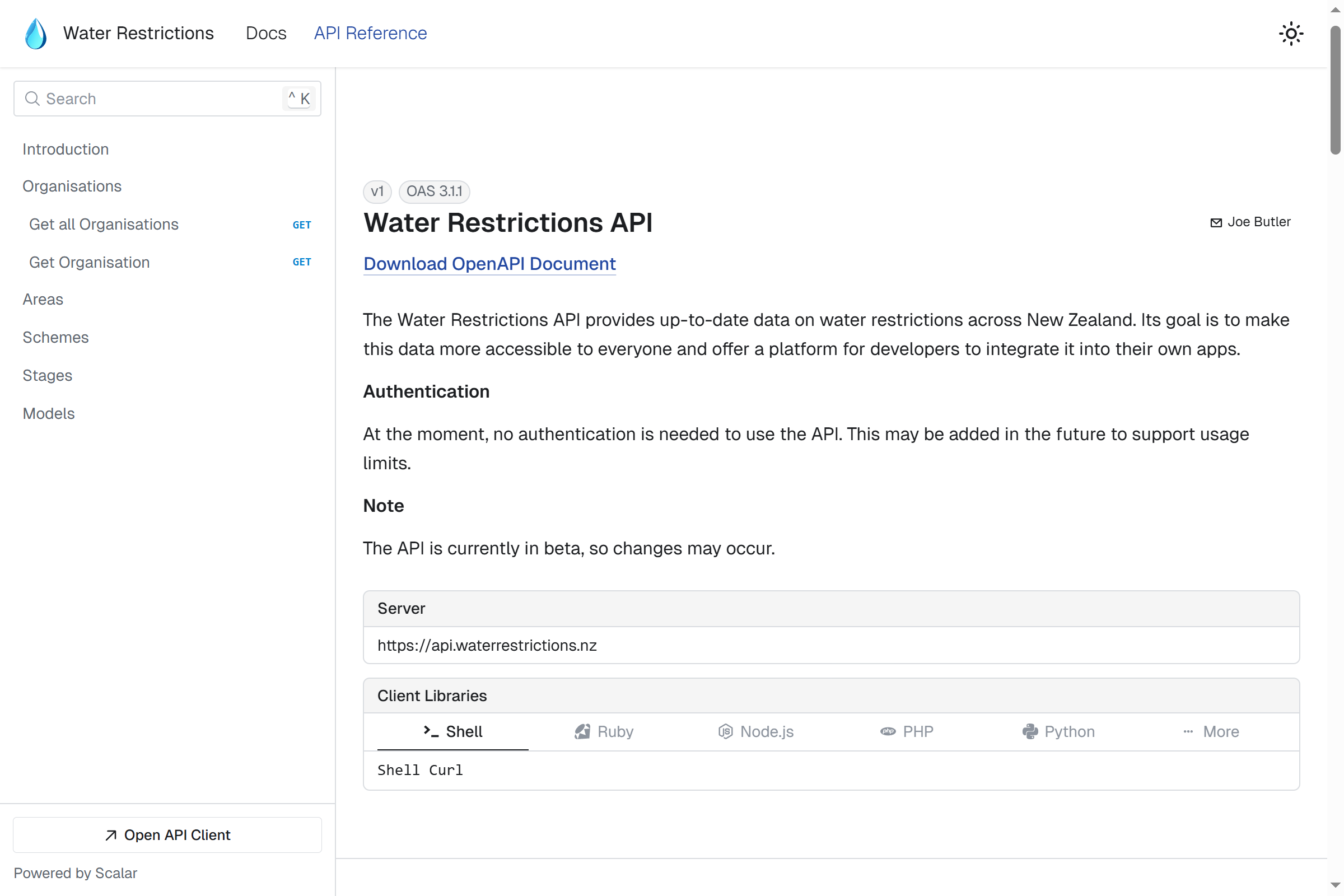
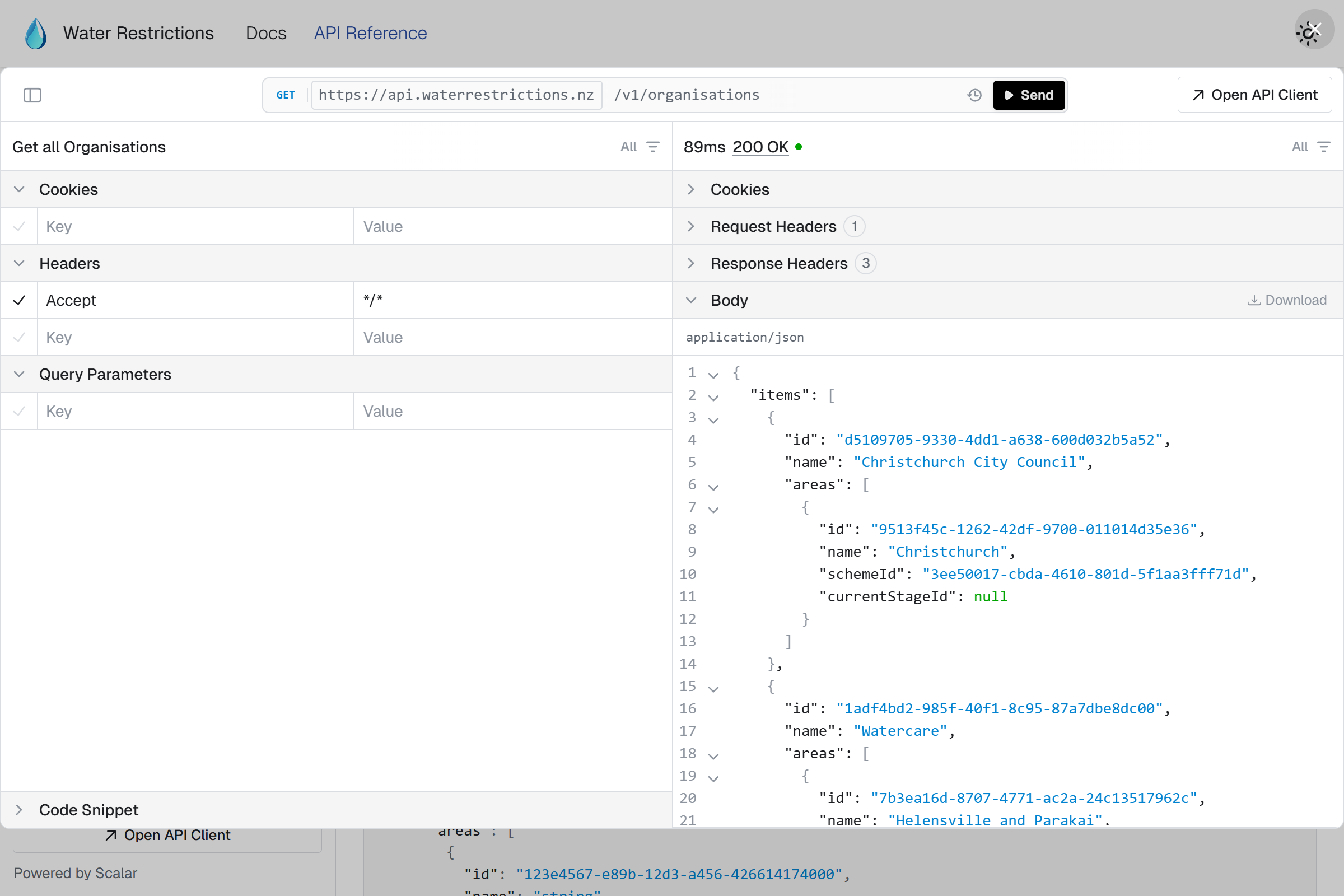
A major advantage was its Scalar integration, which let me embed an interactive API playground into the docs. This gave developers an easy way to try out the API. Plus, because it pulled directly from the OpenAPI spec generated by the API, the docs automatically stayed up to date with any changes.

Implementation ⚙️

Tech stack This project mostly used my standard platform setup. Given this was a static site there were some differences, though. There was no need for a backend or database as all of the content was in markdown files in the repo itself. Docusaurus used these files to generate the site.

Frontend:

Infrastructure:

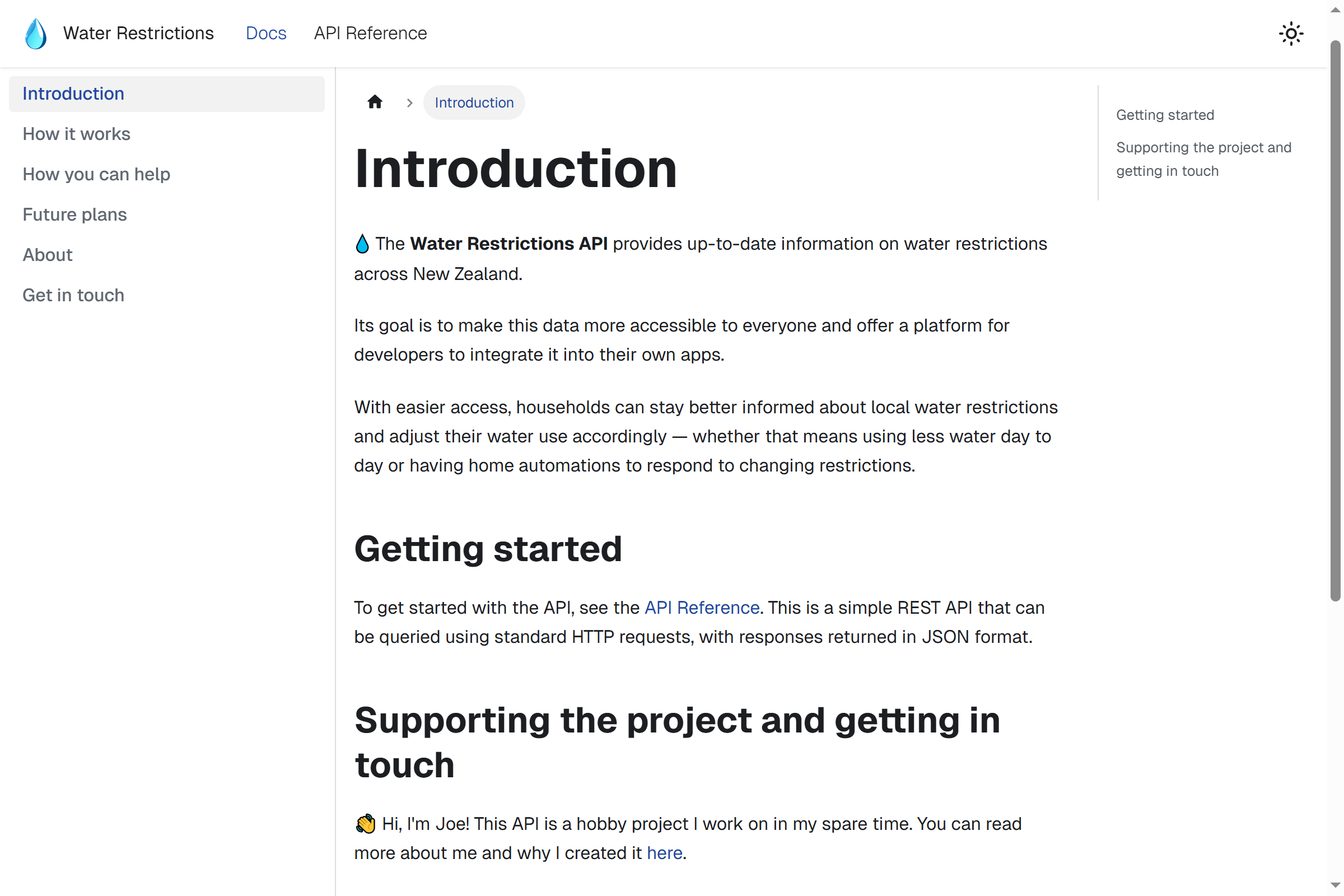
Documentation Site 📚

With a bit of styling, the site came together really nicely. Adding support for dark mode was also straightforward.

The docs were focused on how the API works and how it’s maintained, rather than diving into low-level technical details. Those specifics were handled by the auto-generated API reference, generated directly from the API’s OpenAPI spec. This kept the technical documentation closely aligned with the API itself and avoided duplication.

Scalar Integration & API Playground ⚡

Scalar was a key part of the documentation. On each page load, it fetched the latest OpenAPI spec directly from the Water Restrictions API and generated the reference in real time. This ensured the docs were always in sync with the latest changes and provided an interactive playground where developers could test endpoints directly in the browser.

A nice bonus was that Scalar inherited the site’s styling, making it feel like a seamless part of the documentation.

As for the “API playground” itself, Scalar provided a fully interactive interface for testing real endpoints - live requests could be made directly from within the docs.